English
 Arabic
 Français
 Spanish
 Portuguese
 Deutsch
 Turkish
 Dutch
Dutch
 Italiano
 Russian
 Romaian
 Portuguese (Brazil)
 Greek
Greek
 Réunionnais
 India
India
10 aliments qui peuvent ralentir ou prévenir la maladie d'Alzheimer
Santé - Bien-être |
2022-05-08 08:17:32
 Entreprises locales
 Runsound music
 La silver économie
 Affiliation Matrice 3x9
 Récompenses
 Babarun (BBRN)
 Calculez vos calories
 Collab Influenceurs
 Événementiels
 Procaly
 Affiliation
 Prêts Immobiliers

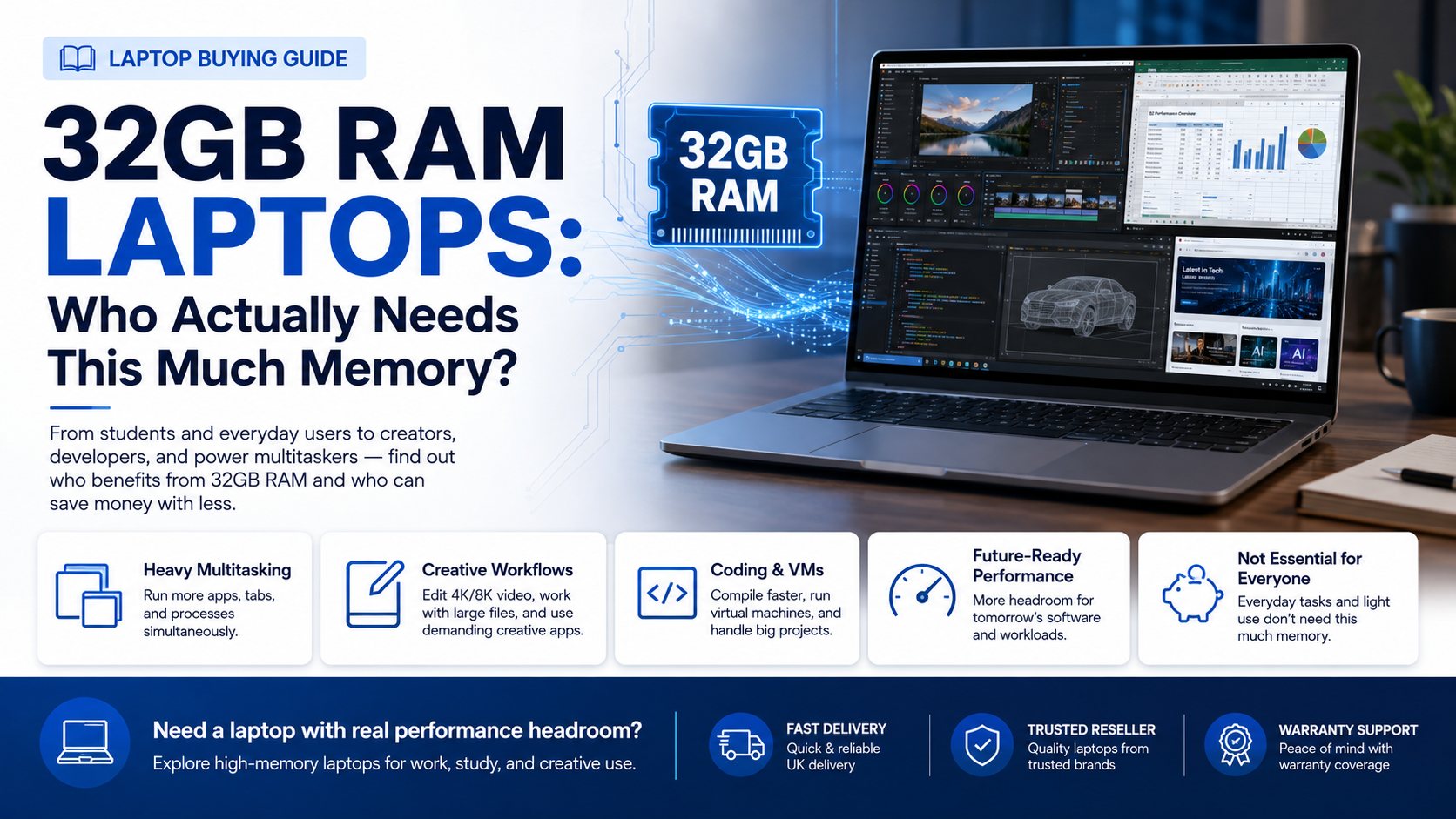
RAM has quietly become one of the most oversold specs in laptop marketing. A few years ago, 8GB was the standard recommendation; today, 16GB is common, and 32GB configurations are increasingly marketed as the "serious" choice. But more memory only helps if your workload actually uses it — otherwise you're simply paying for capacity that sits idle.
Here's a grounded look at what 32GB of RAM actually does, and whether it's worth the price jump for your specific needs.
RAM temporarily holds data your processor needs quick access to while running applications. The more programs you have open simultaneously, and the more demanding those programs are, the more RAM gets consumed. Once you exceed available RAM, your system starts relying on slower storage-based memory swapping, which is when things start to feel sluggish.
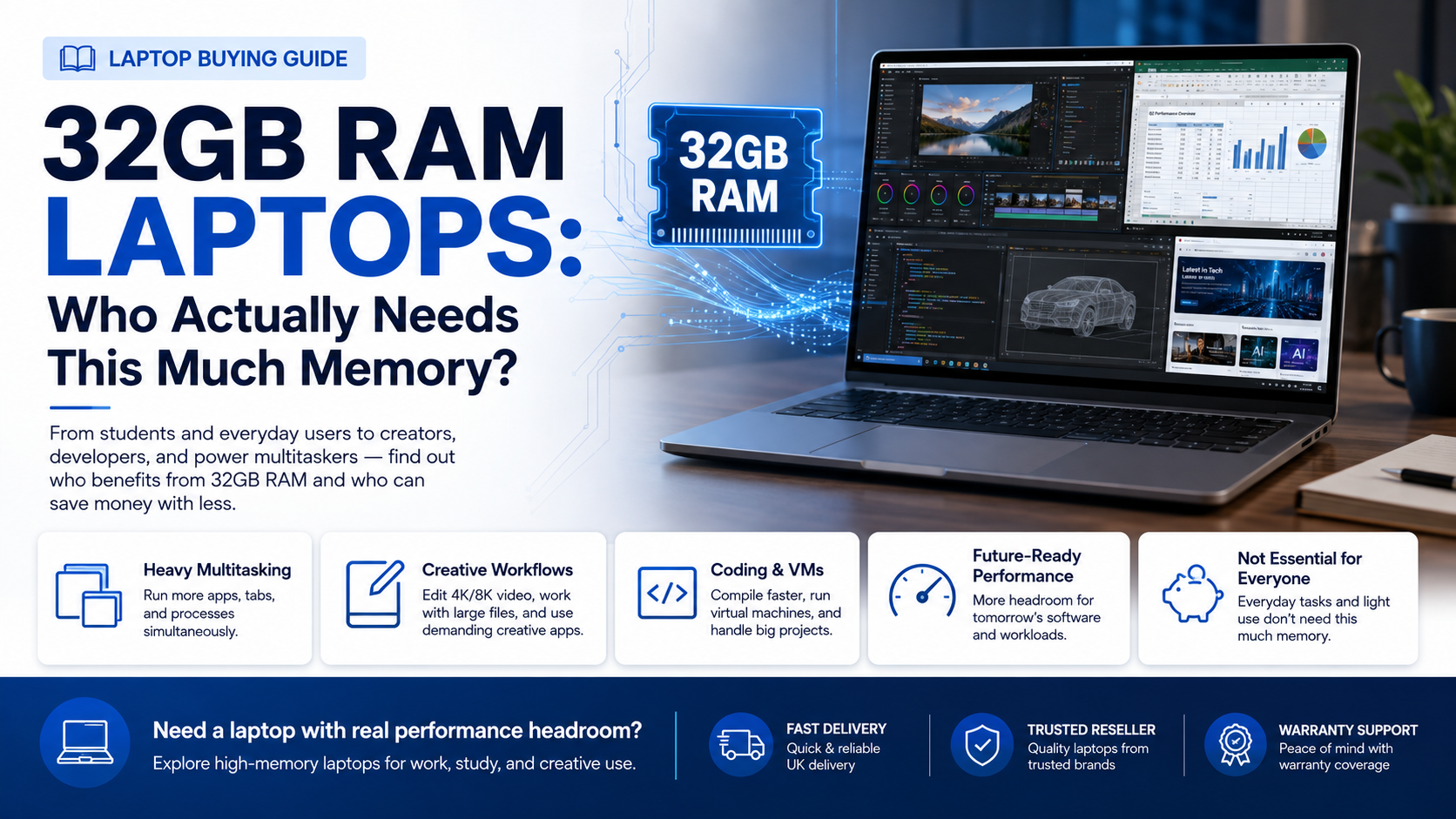
16GB comfortably handles the vast majority of everyday and even professional multitasking — dozens of browser tabs, office software, video calls, and moderate creative work simultaneously. 32GB becomes relevant when workloads push meaningfully beyond that.
If none of these describe your regular workload, 32GB likely won't produce a noticeable improvement over 16GB in daily use.
For general office work, studying, web browsing, and typical remote work tasks, 16GB remains the more sensible investment. The money saved by not over-specifying RAM can go toward a better processor, a higher-quality display, or a larger SSD — upgrades that often deliver more noticeable everyday benefit than doubling memory capacity you won't fully use.
One common mistake is buying a laptop with 32GB of RAM but an older or underpowered processor. Extra memory capacity doesn't help much if the processor itself becomes the bottleneck under heavy workloads. If you're specifically buying 32GB for demanding tasks, make sure it's paired with a recent-generation, capable processor — otherwise you're not getting the performance benefit you're paying for.
Some laptops still allow RAM upgrades after purchase, while increasingly many premium and ultraportable models solder RAM directly to the motherboard, locking in whatever configuration you buy. If you're not certain whether you'll need 32GB immediately but suspect your workload might grow, checking whether a laptop supports future RAM upgrades is worth doing before purchase.
The honest answer to "do I need 32GB of RAM" comes down to being realistic about your actual daily tasks rather than buying based on future-proofing anxiety. If your workload genuinely involves video editing, virtualisation, or heavy multitasking with resource-intensive software, the investment pays off. If not, 16GB remains the more balanced choice for most users.
Because RAM needs to be evaluated alongside processor and storage together, it's worth shopping somewhere that lists full specifications clearly. Techyest laptops reseller makes comparing high-memory configurations straightforward, without the guesswork that comes with vague listings elsewhere. If you've decided 32GB fits your workload, their best 32GB RAM laptop selection is a solid place to compare processor and storage pairings before deciding.
32GB of RAM isn't a gimmick, but it's also not a universal upgrade everyone needs. Match your RAM choice honestly against your actual workload, pair it with a capable processor, and you'll end up with a laptop that performs the way its spec sheet promises.